A quick look at how QRSDS feels in daily use.
This guided example shows the main parts of the workspace: dashboard, locations, products, SDS access, inventory use, reports, team roles, and billing.
The real workspace uses your products, facilities, SDS files, photos, team members, and plan settings.
FL
Facility view with child locations and storage status.
1 active facilityWH-03
Warehouse or building node with child lockers below it.
8 child locationsDashboard
Regular users get a graphical facility chart and quick access to the places where products are stored. Admins also see items that need review, including low stock, missing SDS, unassigned products, and higher-quantity use events.
Facility: FL
Main facility record
WH-03
Storage area / 0 direct stock rows / 8 child locations
Hazmat Locker 1
Shelf / Locker / Cabinet / 4 stock rows
Hazmat Locker 2
Shelf / Locker / Cabinet / 31 stock rows
Admin product setup
Admins create the product record once, then attach the SDS, add a product photo, set scan codes, and choose initial storage. When an SDS is found on a trusted source, the admin can paste that URL and QRSDS imports the PDF, renames it, and stores a stable copy for the workspace.
That means the SDS QR points to the QRSDS copy instead of depending on a manufacturer link that may move or disappear later. Photos are cropped square and compressed automatically for clean product cards.
Products
Each product has a photo, manufacturer details, package size, optional UPC, an automatic short code, imported SDS access, QR labels, and location-by-location inventory.
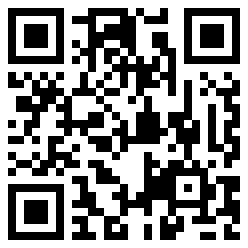
Product and SDS QR codes stay simple enough for phone cameras to scan quickly in the field.
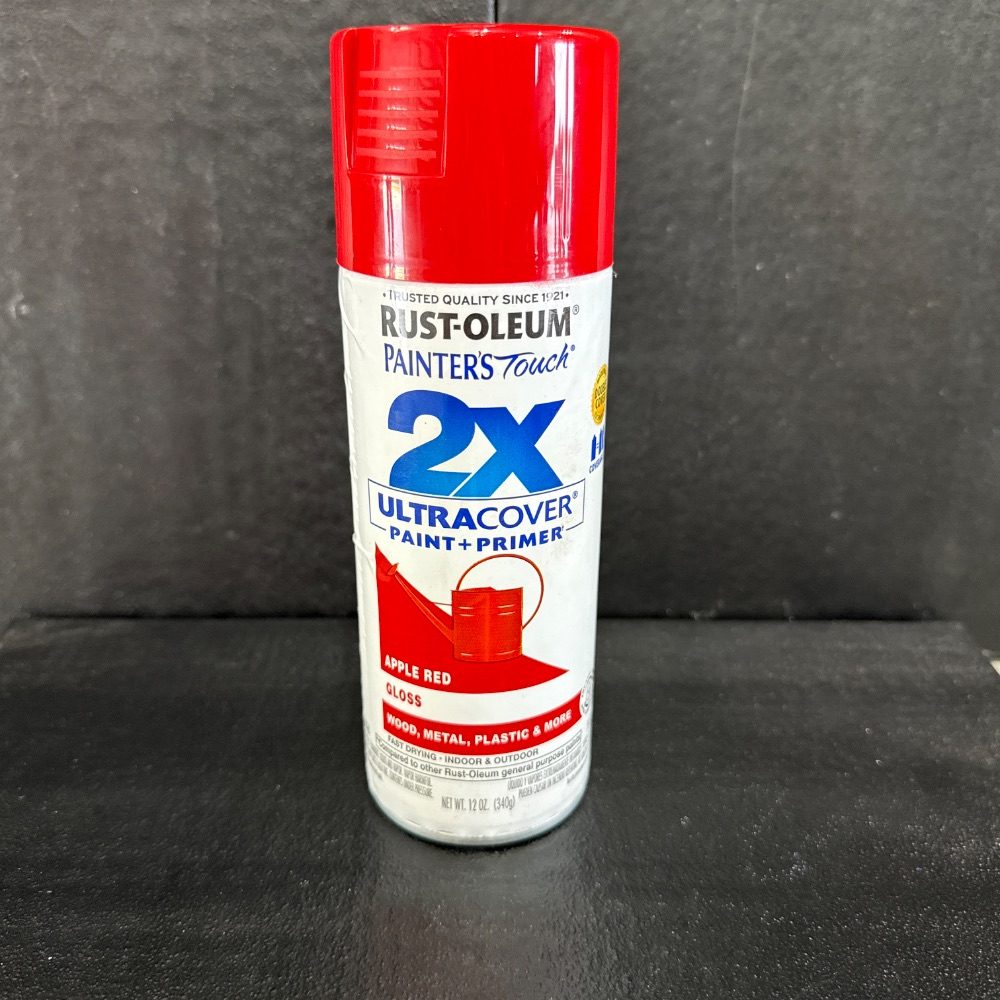
2X Ultra Cover Paint Primer (Apple Red) gloss
Rust-oleum / Coating / Paint / Primer / 12 oz / FL / WH-03 / Hazmat Locker 2
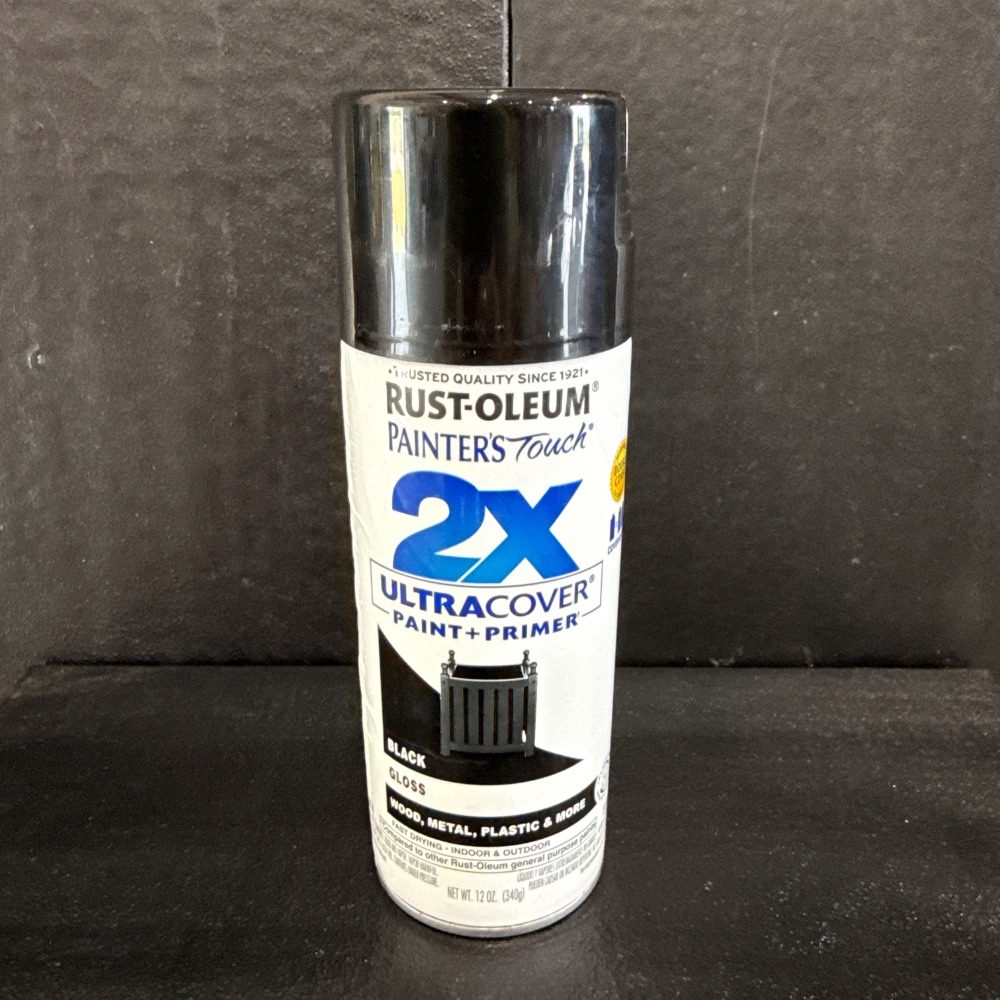
2X Ultra Cover Paint Primer (Black) gloss
Rust-oleum / Coating / Paint / Primer / 12 oz / FL / WH-03 / Hazmat Locker 2
Stock and manage inventory
Admins can add an existing product to a locker, set on-hand counts, set reorder points, and move or remove stock as storage changes. Normal users can record use without seeing admin-only controls.
This keeps new product creation on the Products page, while location screens focus on what is actually stored in that locker, shelf, cabinet, vehicle, or kit.
2X Ultra Cover Paint Primer (Apple Red) gloss
FL / WH-03 / Hazmat Locker 2
Scan and search
Users can scan product QR labels, SDS QR labels, UPCs, application devices, or storage location labels with a phone. Typing works too, so a damaged label does not stop the workflow.
When a location is selected first, opening a product keeps that location attached so recording use or moving stock happens from the right storage point.
QR / barcode scanner
Record product use from the right location.
A user can scan or search for a product, open the closest storage location, and record use. Notes can be required for larger quantities so admins can review unusual consumption.
2X Ultra Cover Paint Primer (Apple Red) gloss
Rust-oleum / FL / WH-03 / Hazmat Locker 2
Reports and 1-click SDS binders
Admins can generate current inventory PDFs, low inventory reports, consumption reports, location labels, product labels, and SDS binders. The SDS binder builder creates a table of contents, combines the SDS sheets for that storage location, and can add smart blank pages so double-sided binder printing stays in order.
2X Ultra Cover Paint Primer (Apple Red) gloss0 each2X Ultra Cover Paint Primer (Black) gloss1 each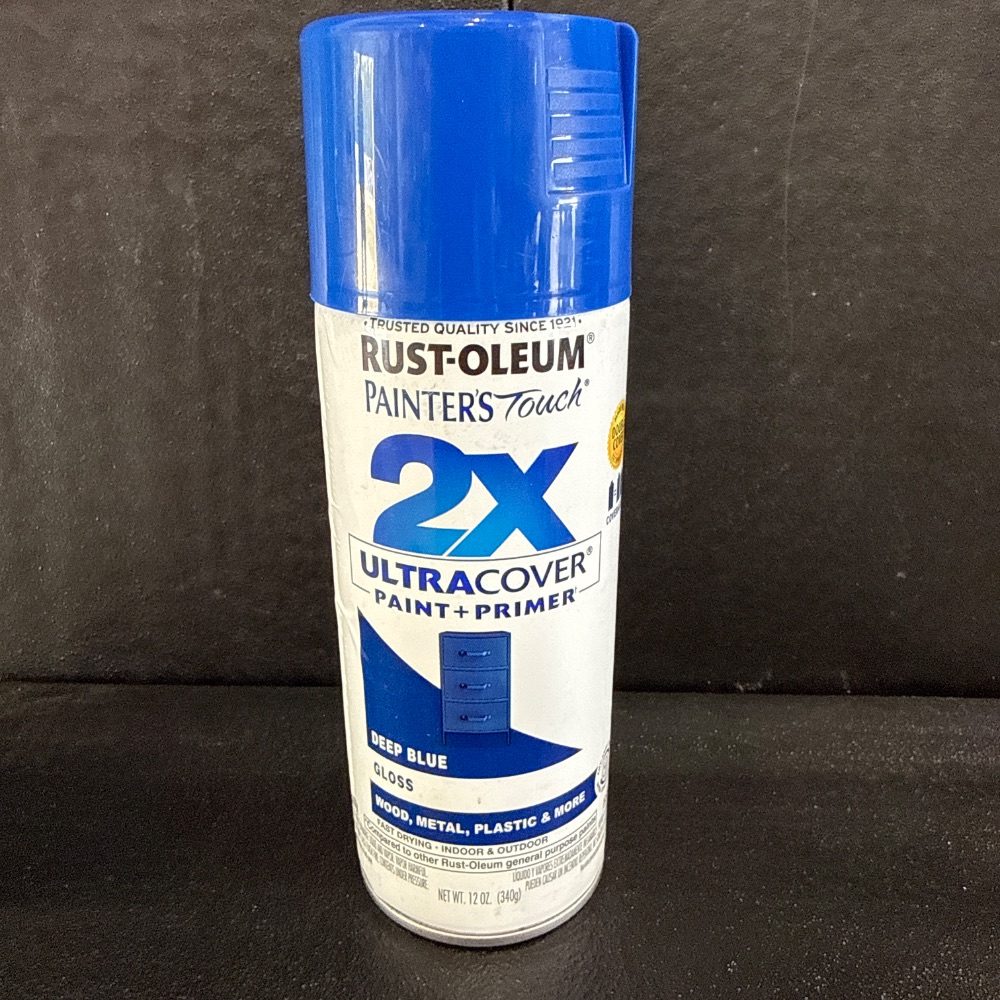 2X Ultra Cover Paint Primer (Deep Blue) gloss1 each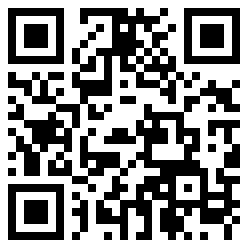
Team, account, and billing
Workspace owners manage billing and seats. Admins manage products, locations, settings, and reports. Users focus on scanning, searching, SDS access, and recording product use.
Billing is secure. Plans can be changed or canceled anytime, and access stays active through the trial or paid billing period.
Base plan
Ready to build your own workspace?
Start with a 30-day trial, create your first facility, add storage locations, and begin attaching products and SDS files.